The payment estimator that keeps the lead instead of giving it away
Why third-party mortgage calculators capture the lead for someone else, and how to run an estimator on your own domain: labeling, inputs, capture and the handoff.
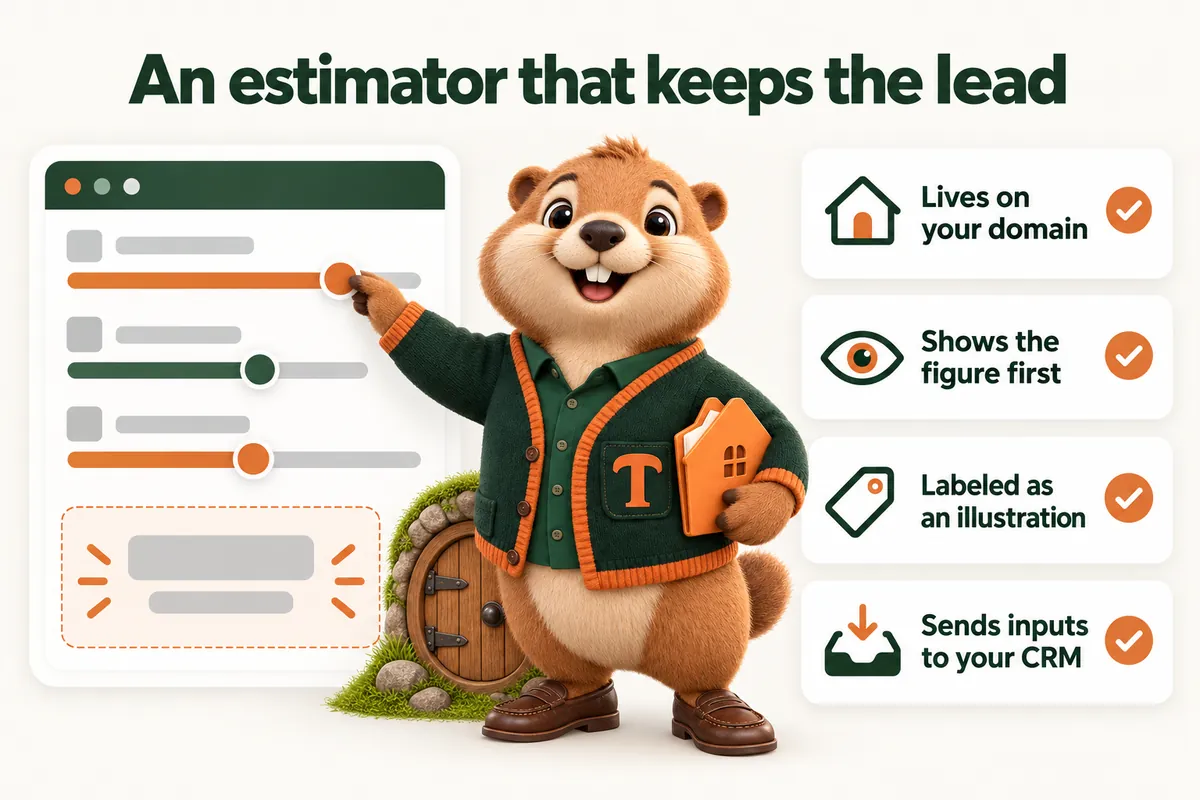
A payment estimator is the most used thing on a mortgage website, and on most mortgage websites it is the one piece of the site that works for somebody else. The borrower enters a price, a down payment and a term, sees a figure, and the name goes to whoever owns the widget. You get a visit. Somebody else gets a lead.
Fixing that is not complicated. Run the estimator on your own domain, label it honestly, capture what the borrower entered along with their details, and send all of it where you actually work. This article covers each of those, including the parts that belong to your compliance team rather than to the website.
Nothing here is lending or financial advice, and nothing here tells you what an estimator must say. Disclosure wording is a compliance decision. What follows is how the tool should be built and wired.
What a borrower is actually doing when they use a calculator
They are not shopping for you. They are finding out whether the conversation is worth having. A borrower who has been told a house is around a certain price wants to know whether the monthly number is in the range they had in their head. If it is, they will keep going. If it is wildly off, they will stop, and no amount of design will change that.
This tells you two useful things. First, the calculator is used earlier than any other part of the site, which is why it is the best place to learn who someone is. Second, the borrower is in a private moment, checking something they might be slightly embarrassed to ask out loud. A tool that lets them check without speaking to anyone is doing them a service, and a tool that demands their phone number before it will show a number is refusing that service at the exact moment it was wanted.
Why the embedded widget is the default, and why it is wrong
Third-party calculators are everywhere because they are easy. A snippet goes on the page and a calculator appears. The cost shows up later, in three places.
The lead goes elsewhere. That is the headline problem, and vendors are not always explicit about it. The test question is blunt: when someone uses this, who receives the name? If the answer is anyone other than you, the tool is a lead generator for them running at your expense.
The page slows down. An embedded calculator is typically a script that loads a framework, then a stylesheet, then the tool. On a phone, on a normal connection, that is the difference between a page that is usable immediately and a page with a spinner where the calculator should be. Google’s page experience guidance treats responsiveness as part of quality, and the Interaction to Next Paint metric is specifically about how quickly a page responds when someone interacts with it. A calculator that takes a second to respond to a keystroke is failing on exactly the interaction it exists for.
It changes without you. Third-party tools update. Fields appear, labels change, a promotional panel arrives. On a mortgage website, where the wording near a figure is a compliance matter, a tool that can change its own wording is an unmanaged risk sitting on your page.
Building one that works
Decide what it shows, with compliance in the room
Start from the output, not the inputs. The most common honest output is an illustrative principal and interest figure based on inputs the borrower supplies, plus optional lines for the other components of a payment where the borrower can enter their own assumptions.
What the estimator shows is the question that decides everything else. A tool that publishes a rate is a different object, under Regulation Z, from a tool that takes a rate as a user-entered assumption. That distinction is your compliance team’s to make, and the build should follow their decision rather than lead it. Bring them the mock-up before it is built, not the screenshot after it is live.
Whatever they decide, make the wording cheap to change. One component, one place the words live, one edit to update every page it appears on.
Keep the inputs to what the borrower can answer
Every field you add loses people, and a mortgage calculator can grow fields forever. The minimum honest set for a purchase estimate is the price, the amount down, the term and a rate assumption. Everything else, taxes, insurance, association dues, mortgage insurance, is a refinement that should be collapsed by default and clearly labeled as an assumption the borrower is entering.
Use the borrower’s words. “How much are you putting down” beats a field labeled with an industry ratio. Accept what people actually type, including a dollar amount where you expected a percentage, and format as they go rather than rejecting them.
Give every field a sensible starting value so the tool shows a figure the moment it loads. An estimator that opens blank asks the reader to do work before it has demonstrated any value.
Show the figure immediately, and keep showing it
No gate. No “enter your email to see your result”. The figure updates as they type, on the same screen, with no page reload. This is where owning the tool pays off, because a well-built estimator on your own site can respond instantly, while an embedded one waits for a round trip.
Under the figure, show how it was reached in one line, and label it plainly for what it is. Borrowers are not offended by a clear statement that a number is illustrative. They are offended by a number that turns out to have been meaningless.
Then ask, in exchange for something real
Once a borrower has a figure they like, they have a reason to give you something. The ask works when what you offer in return genuinely requires the detail.
Send the breakdown to their email. Save the scenario so they can come back to it. Have the figure checked against their actual situation by a person. Each of these needs an address or a number to deliver, so asking is not a toll gate, it is the mechanism.
Keep the form to two fields plus an optional third. Name and email, phone optional. Say in one line what happens next and who will contact them. The estimator is often the borrower’s first interaction with your business, and the tone of that sentence sets expectations for everything after.
The capture: what to send, and where
This is the part that separates an estimator from a calculator, and it is usually the part that is half done.
Send the inputs. Price, down payment, term, the rate assumption, and every optional field they opened. Inputs are the whole value. They tell you the price range the borrower is in, how much they have, and whether they were exploring or serious.
Send the figure. So you can see what they saw, which matters when the conversation starts with “the website said”.
Send the context. Which page the estimator was used from. An estimate run from a renovation program page is a different conversation from the same numbers run from the home page. Send the timestamp too, because a borrower who ran three scenarios on a Sunday night is telling you something.
Send it where you work. Into your customer relationship system or your loan origination system, through whatever integration path the vendor supports. Notifications are not capture. An email to an inbox is a copy, not a record, and copies do not get followed up.
Send it once, reliably. A capture that silently fails is worse than no capture, because you will assume the traffic is not converting. Test the path end to end after launch, and again after any change to either system, and keep a record that shows a submission arriving.
The follow-up is where the value actually is
A captured estimate with inputs attached lets the first contact start further along. Not “how can I help”, but “I saw you were looking at a purchase around this range with roughly that much down, here is what that usually means and here is what I would need to say anything more useful”.
That is not a website feature. It is what the website feature makes possible, and it is why capturing the inputs matters more than capturing the name.
Speed, accessibility and the things that quietly break it
An estimator lives or dies on how it feels on a phone.
It has to be fast to respond. Recalculate on input, with no network call for a figure that is arithmetic. The Web Vitals metric for responsiveness exists precisely because interactions that lag feel broken even when they are technically working.
It has to work with a keyboard. Every field reachable by tab, every label tied to its field, focus visible. This is basic and it is skipped constantly on tools built as widgets.
It has to be usable with a thumb. Inputs and controls large enough to hit, numeric keyboards on numeric fields, and no slider as the only way to set a value.
It has to survive a rotation and a back button. A borrower who rotates their phone or taps back should not lose what they entered.
It must not shift the layout. Reserve the space the figure will occupy so the result appearing does not push the page around.
One estimator, many entry points
A tempting pattern is a different calculator on each program page. Resist it. Every duplicate is another place for the disclosure to drift, another integration to test and another thing to fix when something changes.
Build one estimator. Let the page that links to it preset the inputs. A program page can open the estimator with its own sensible defaults, and the borrower gets the convenience of a purpose-built tool while you keep one component, one set of wording, one integration.
Purchase, refinance and the affordability question
Most originators need more than one mode, and most estimators handle this badly by building three separate tools. One tool with three modes, sharing the same labeling, the same capture and the same integration, is easier to keep correct and easier for a borrower to move between.
Purchase is the default. Price, amount down, term, rate assumption, optional refinements. It is the mode a referral from an agent needs.
Refinance changes the question from “what would this cost” to “what would change”. The useful output is a comparison: what they pay now against what the illustration suggests, with the borrower entering both. Be careful here, because a comparison is the place where a marketing page most easily drifts into something that reads as a recommendation. Keep it arithmetic, keep it labeled, and let the conversation do the advising.
Affordability runs the calculation backwards: the borrower enters a monthly figure they are comfortable with and sees what price range that suggests, on their own assumptions. It is the most used mode by people early in the process, which makes it the best one for capture, and the one where the illustrative labeling matters most. A price range is very easily read as a number someone will lend, and it is not.
Whichever modes you offer, keep the capture identical across them and record which mode was used. A borrower who ran the affordability mode three times is at a different stage from one who ran a single purchase scenario, and your follow-up should know the difference.
Presets that do the borrower’s thinking for them
A program page that opens the estimator already set to a sensible term and a sensible structure for that program removes a decision the borrower is not equipped to make. A city page can preset nothing about money but can carry the borrower’s location into the record, which tells you where the interest is.
Presets are a convenience, not a claim. The preset values should be visible, editable and obviously the borrower’s to change. A locked field on a marketing estimator is an assertion, and assertions are what compliance teams worry about.
What the estimator must never do
It must not imply an approval. No language that suggests the figure is what someone will lend, and no words like qualify, approved or pre-approved anywhere near the result.
It must not invent a rate. If no rate is published, the field is the borrower’s assumption and the page says so. If a rate is published, that is a compliance decision with disclosures attached, held in one component.
It must not keep data the borrower did not agree to hand over. If someone uses the tool and does not submit, that scenario is theirs. Storing calculations against an identifier they never gave you is a privacy problem and it is also the kind of thing that ends up in a policy review.
It must not become a quote engine by accident. Estimators grow. A field here, a comparison there, and eventually the page is doing something nobody signed off. Review it on the same rhythm as the rest of the site and ask whether it is still the tool compliance approved.
What to watch after launch
Four things tell you whether the estimator is working, and none of them is a vanity number.
Started against finished. How many people touched an input against how many reached a figure. A gap means a field is confusing or the tool is slow on a phone.
Finished against submitted. How many saw a figure and then gave you details. A low rate here usually means the exchange is not compelling, not that visitors are unwilling.
Submitted against arrived. How many submissions reached your system. This should be every one of them, and the only way to know is to check rather than assume.
Arrived against contacted. The one that is nothing to do with the website and decides everything. A captured estimate that nobody follows up is the same as no estimator at all, built at greater expense.
Review those four once a month for the first quarter. Most estimator problems are visible in them within weeks, and almost all of them are fixable without rebuilding anything.
The question worth asking about every tool on your site
Who does this work for? A calculator, a chat widget, a review badge, a rate table: each one is either working for you or working for the company that supplies it, and the difference is usually invisible in the design and obvious in the data flow.
An estimator you own is a small piece of software, and it is the piece of a mortgage website most likely to turn an anonymous visit into a conversation you can actually have. Building it properly is a week of thought and an afternoon of wiring, and then it keeps working.
If you want the rest of the structure it sits inside, the loan officer website checklist covers the five things a borrower expects before they apply, and where mortgage inquiries go covers the plumbing between the site and your system in more detail.
Sources
Frequently asked questions
Is a mortgage calculator worth having on a loan officer website?
Yes, if it runs on your own domain and captures what the borrower entered. A calculator is the one thing on a mortgage site a visitor will use before they are ready to talk, which makes it the earliest point at which you can learn who they are. An embedded third-party calculator does the same job for whoever owns the widget.
Should the estimator ask for contact details before showing a figure?
Showing the figure first and asking afterwards usually gathers more contacts than gating it, because a gate at the top of a calculation reads as a trap and most people leave. A better pattern is to calculate freely, then offer something that genuinely needs an address, such as sending the breakdown or saving the scenario.
Does an estimator have to carry a disclosure?
The wording and its placement are decided by your compliance team, and the answer depends on what the estimator shows. An estimate that stays away from published rates and states plainly that it is an illustration rather than a quote, an offer or a pre-approval is a very different object from a tool that advertises terms. Ask compliance before it goes live, not after.
What should the estimator send into the CRM?
The contact details, every input the borrower entered, the figure they were shown, the page they were on and the time. Inputs without a figure force you to recreate the calculation, and a figure without inputs tells you nothing about the borrower. Both together let the first call start where the borrower left off.
Why not just embed the calculator our lender provides?
Because it usually posts the lead to the lender, loads a third-party script on your page and changes without telling you. If your lender requires their tool, run it, and put your own estimator on the pages where you are allowed to. The question to ask any vendor is simple: when someone uses this, who gets the name?
Want a site like the one described here? Book a demo with MortgageWebStudio.